One player for video and music
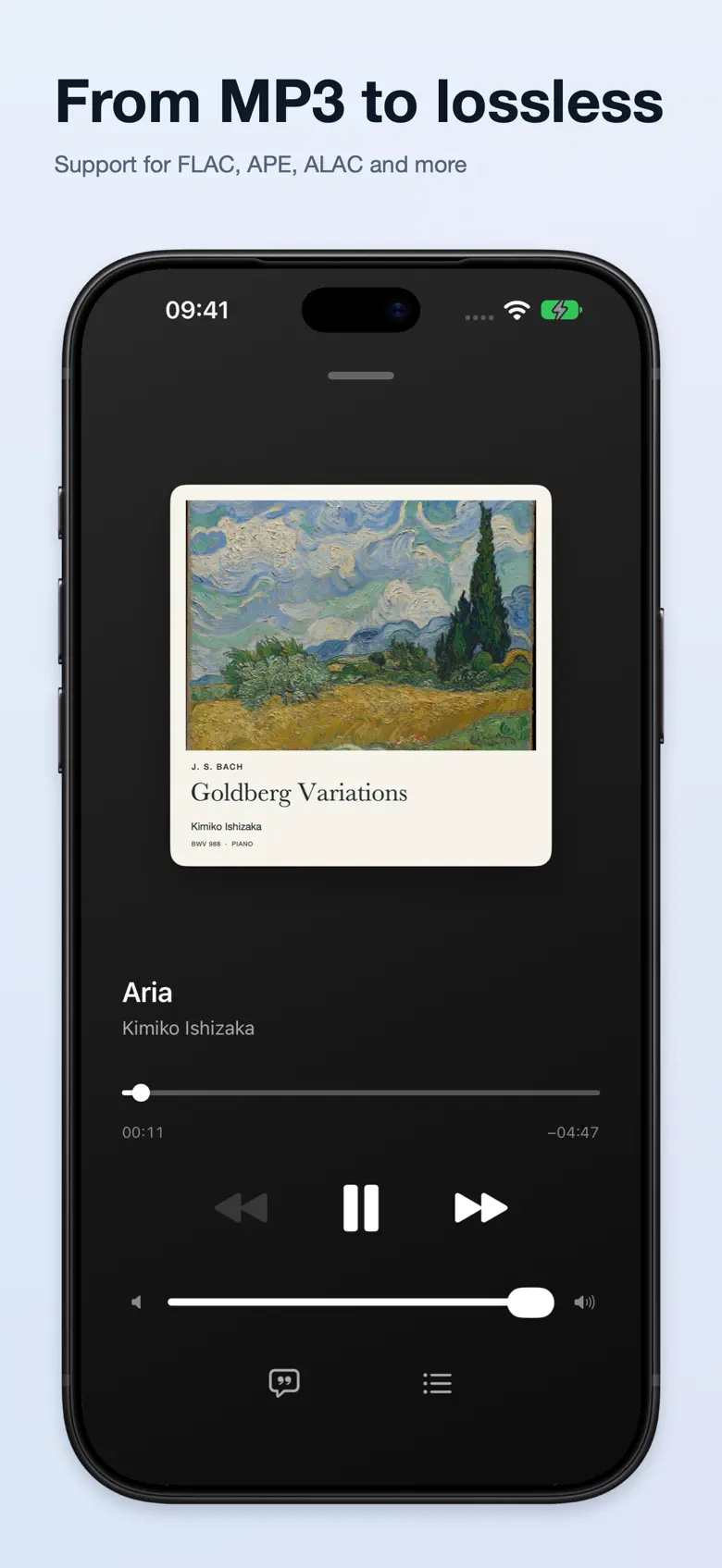
VLC-powered playback for common media formats, with audio tracks, external subtitles, speed controls and Picture in Picture. Compatibility depends on encoding and your device.

Bring your own video and music together. Import local files, connect your NAS and network sources, and keep subtitles, playlists and playback progress at hand on iPhone and iPad.
 Scan with iPhone or iPad to downloadScan with your Camera to open the App Store. Basic playback is free; Premium is optional. Pricing and availability follow your storefront.
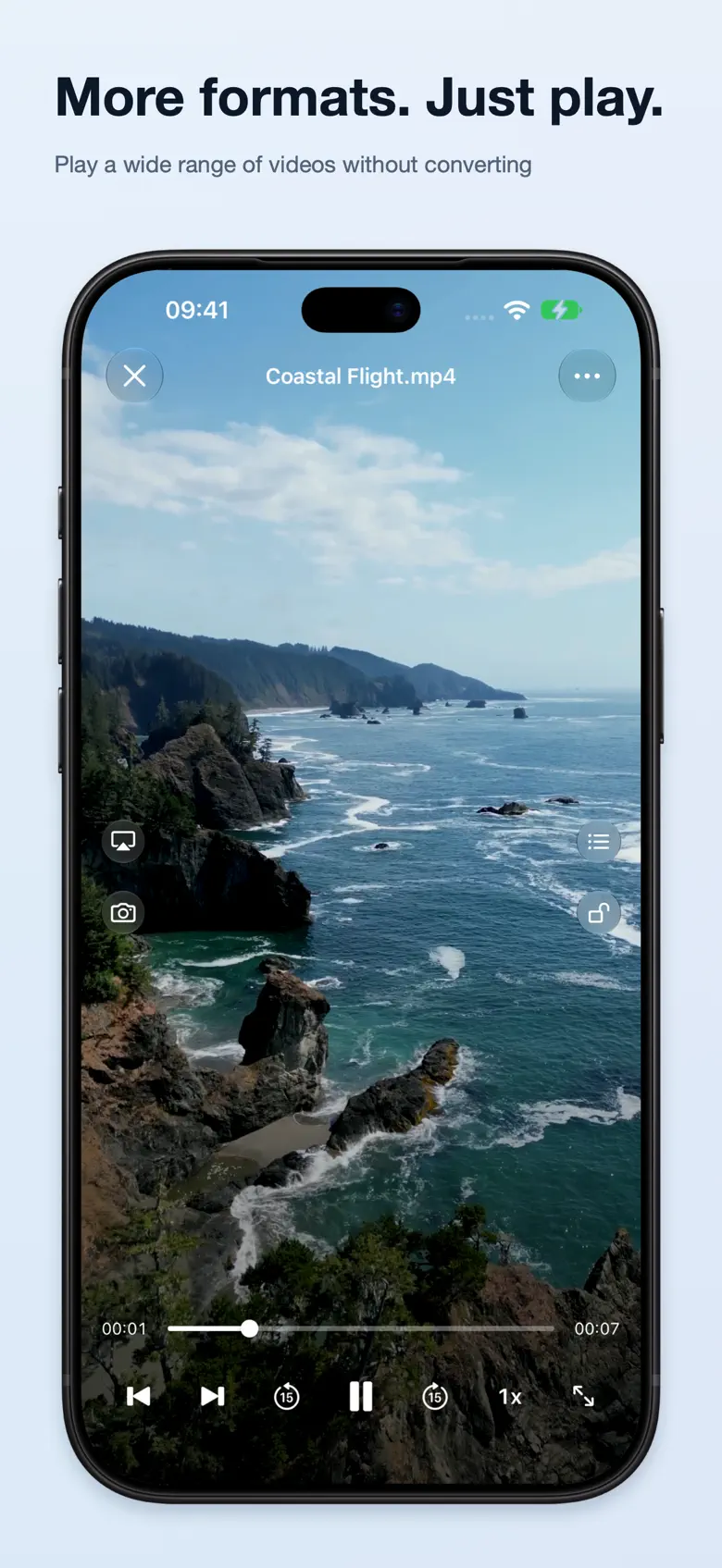 Choose audio, subtitles and speed, then resume where you left off.
On iPhone
Product features
Basic playback is free. Optional Premium unlocks advanced features.
VLC-powered playback for common media formats, with audio tracks, external subtitles, speed controls and Picture in Picture. Compatibility depends on encoding and your device.
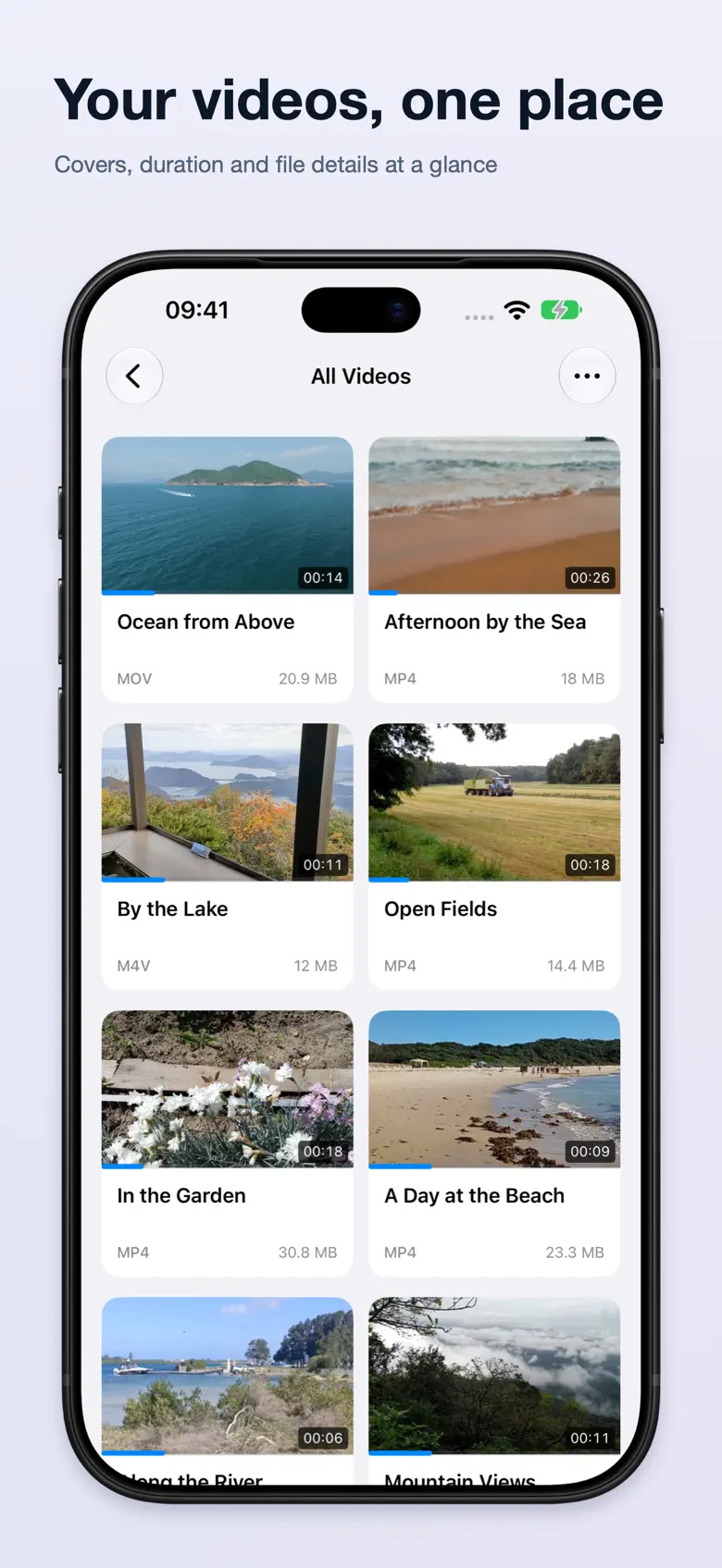
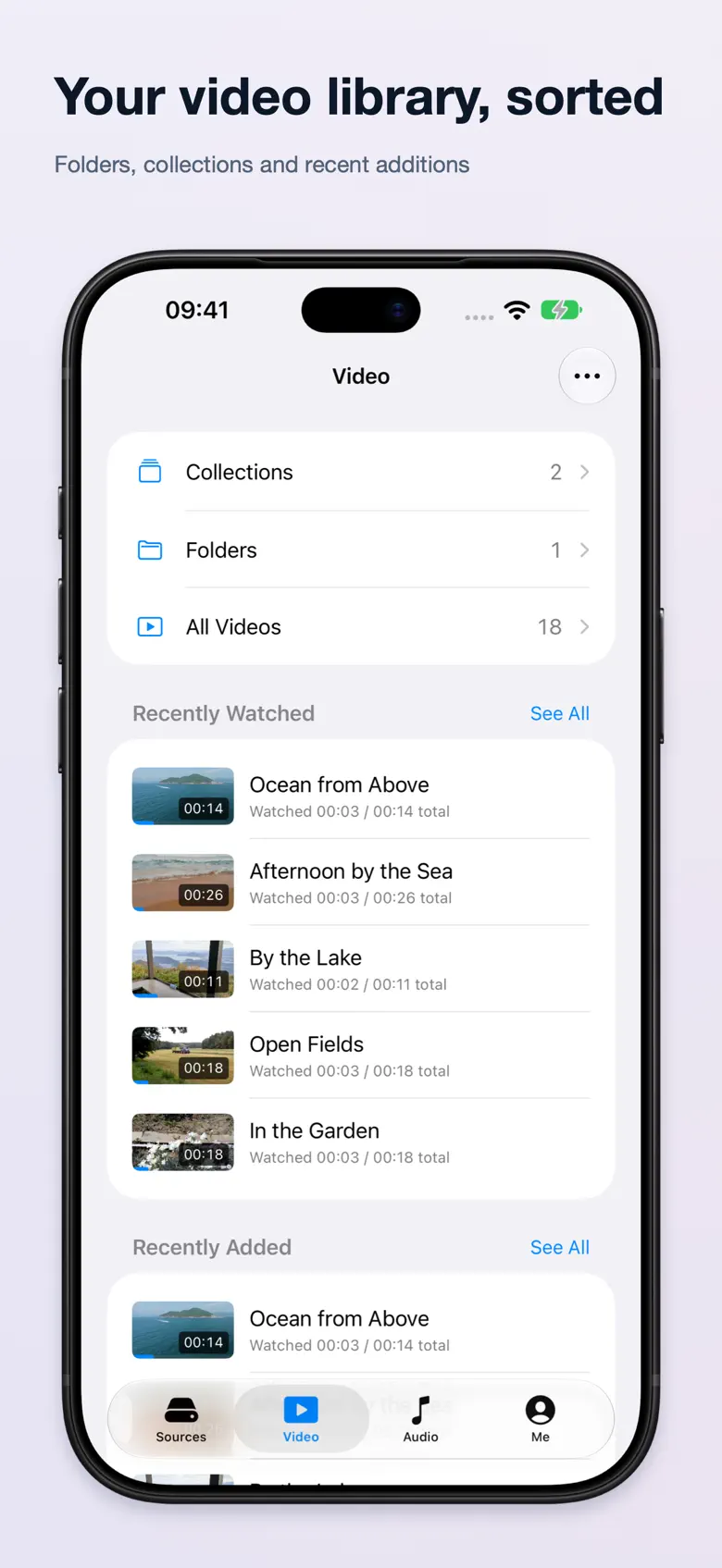
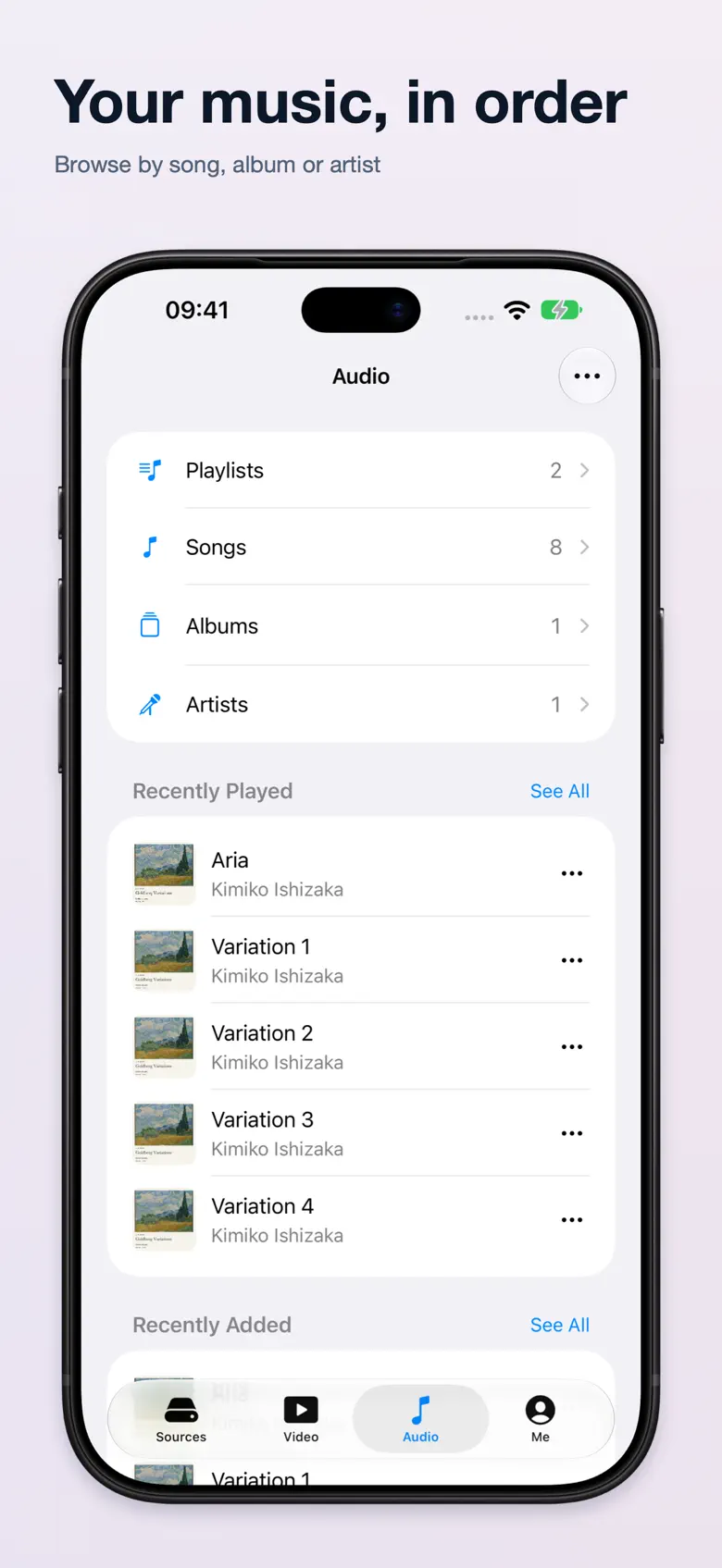
Organize folders, collections and playlists, revisit recent playback and viewing history, and resume from your saved position.
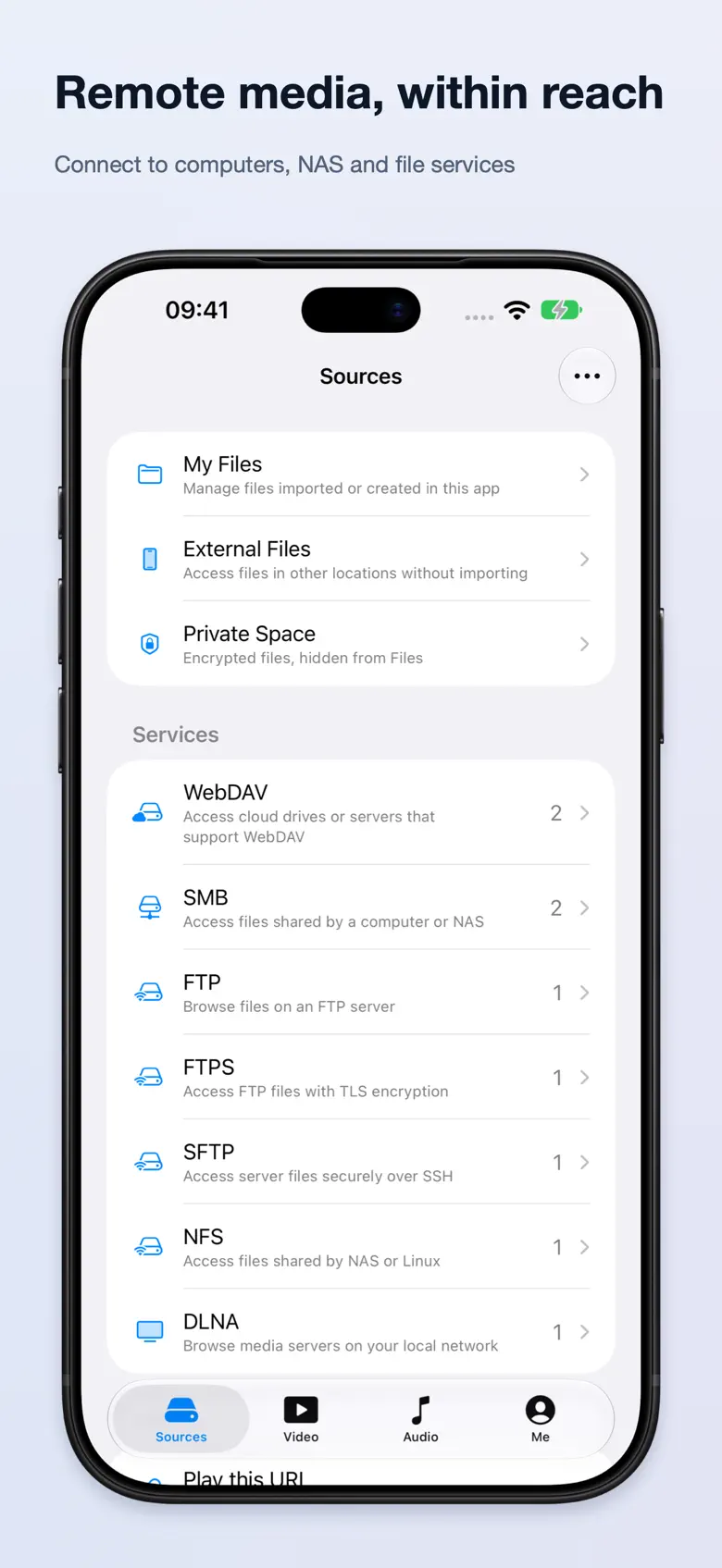
Connect WebDAV, SMB, FTP/FTPS, SFTP, NFS, DLNA or a media URL. Remote file operations depend on server capabilities and permissions.
Premium includes intro/outro skipping, DLNA / Chromecast casting, private-space creation and imports, encrypted archives, recursive extraction, archive password memory and custom theme colors. Casting also requires compatible sources and receivers.
Monthly and annual plans renew automatically. Lifetime is a one-time purchase without renewal. See in-app pricing before purchasing. Buying Lifetime does not cancel an existing subscription.
Restore purchases from My → Membership in the App. Manage or cancel renewal in your Apple Account subscriptions. Uninstalling the App does not cancel a subscription.
Your media, in your hands
AnytimePlay supplies no movies, TV channels or content subscription. Bring files and sources you are entitled to access. Network features connect to sources you configure. We operate no cloud service receiving media files or playback history, and integrate no advertising, tracking or third-party analytics SDKs.
Read about privacy and data →Terms, membership and copyright →Product documents